Differences Between 3D Printers
Discover the main differences between FDM and resin 3D printers, and how to choose the best option for your printing needs.
Stop guessing grams. Drop in an STL, 3MF or G-code and see the real volume and cost in seconds — all inside your browser.
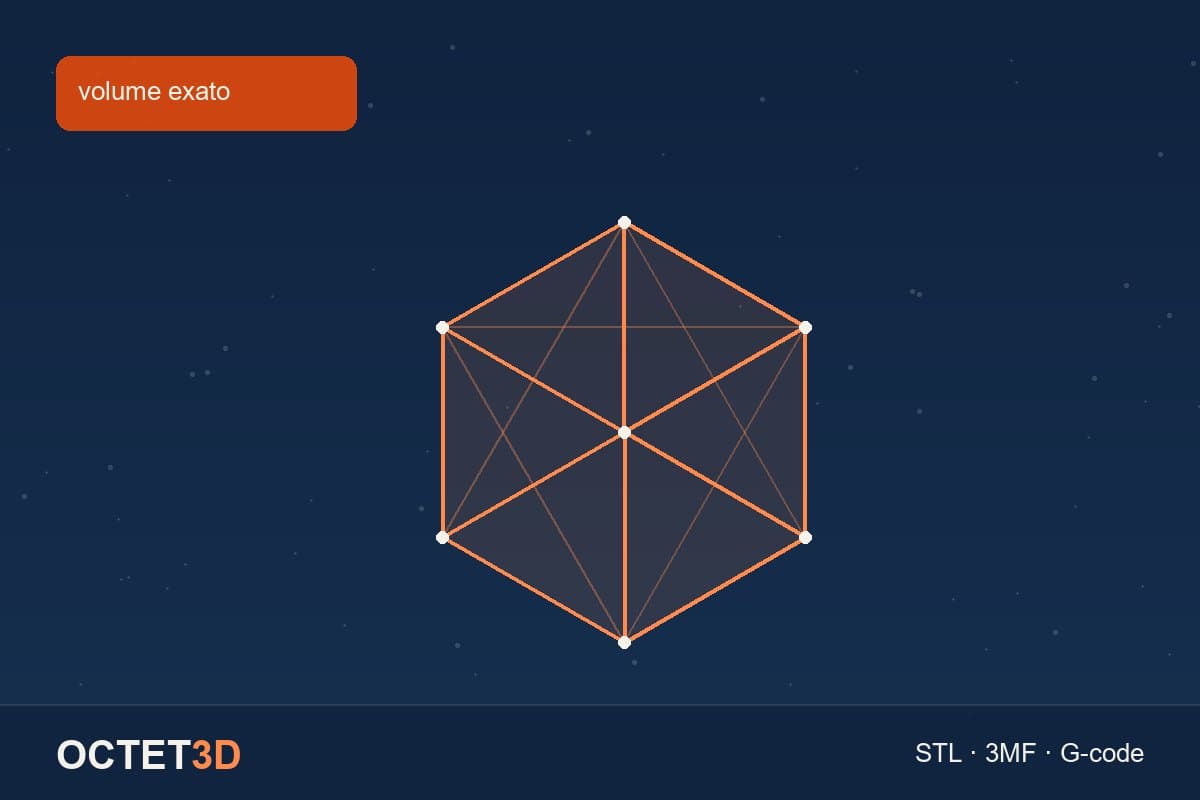
Quick answer: you don't have to guess how many grams a part will weigh. If you have the file, the volume is in its geometry — and our FDM calculator and resin printing cost calculator read that number straight from STL, 3MF, OBJ, PLY or G-code.
Most people selling printed parts estimate weight by eye or reuse the figure from a similar part. The error easily passes 30% either way. Underestimating eats your margin; overestimating loses the quote to someone who did the math.
An STL file is a closed triangle mesh. You can compute its exact volume by summing the signed volume of each triangle relative to the origin — outside the solid the signs cancel out and the real volume remains. It isn't an estimate: it's the exact figure from the geometry.
With the volume, weight is a simple multiplication:
weight = volume (cm³) × material density (g/cm³) × infill
Common densities: PLA 1.24 · PETG 1.27 · ABS 1.04 · TPU 1.21 · ASA 1.07 · Nylon 1.14 g/cm³.
Resin printing has no infill in the FDM sense: for a solid part, the volume in cm³ is the same number in millilitres of resin. If you hollow the model before slicing, real usage is lower.
This is the best case and few people use it. After slicing, your slicer already computed everything: walls, top, bottom, supports and brim. That figure is written into comments inside the file itself.
Our calculator reads those comments from PrusaSlicer, Orca, Bambu Studio, Cura, Simplify3D and Slic3r — filling in both the weight and the print time. Bambu users can drop the .gcode.3mf project straight in.
Reading happens inside the browser. Nothing is uploaded to any server, which matters if you handle client models or unreleased projects.
Knowing the weight is just the start. Real cost adds material, energy, machine depreciation per hour, consumables, a failure reserve and your labour. Then comes markup — and markup isn't margin: markup is on cost and can exceed 100%; margin is on the selling price and never reaches it. Our calculators show both.
Drop your file now: FDM calculator · resin calculator. Both generate a branded PDF quote for your client.
Want the full cost breakdown? See how much 3D printing costs and how many parts per kilo of filament.
The STL holds the closed geometry of the part, so its exact volume in cm³ can be computed. Weight is volume × material density × infill. PLA density is 1.24 g/cm³. On our calculator you just drop the file in.
Yes. 3MF is read normally, including multi-part plates and rescaled objects. If you already sliced it, the .gcode.3mf file is even better: it carries the weight and time already computed by the slicer, counting walls and supports.
No. Reading happens entirely inside your browser and nothing is sent to any server. The file never leaves your computer.
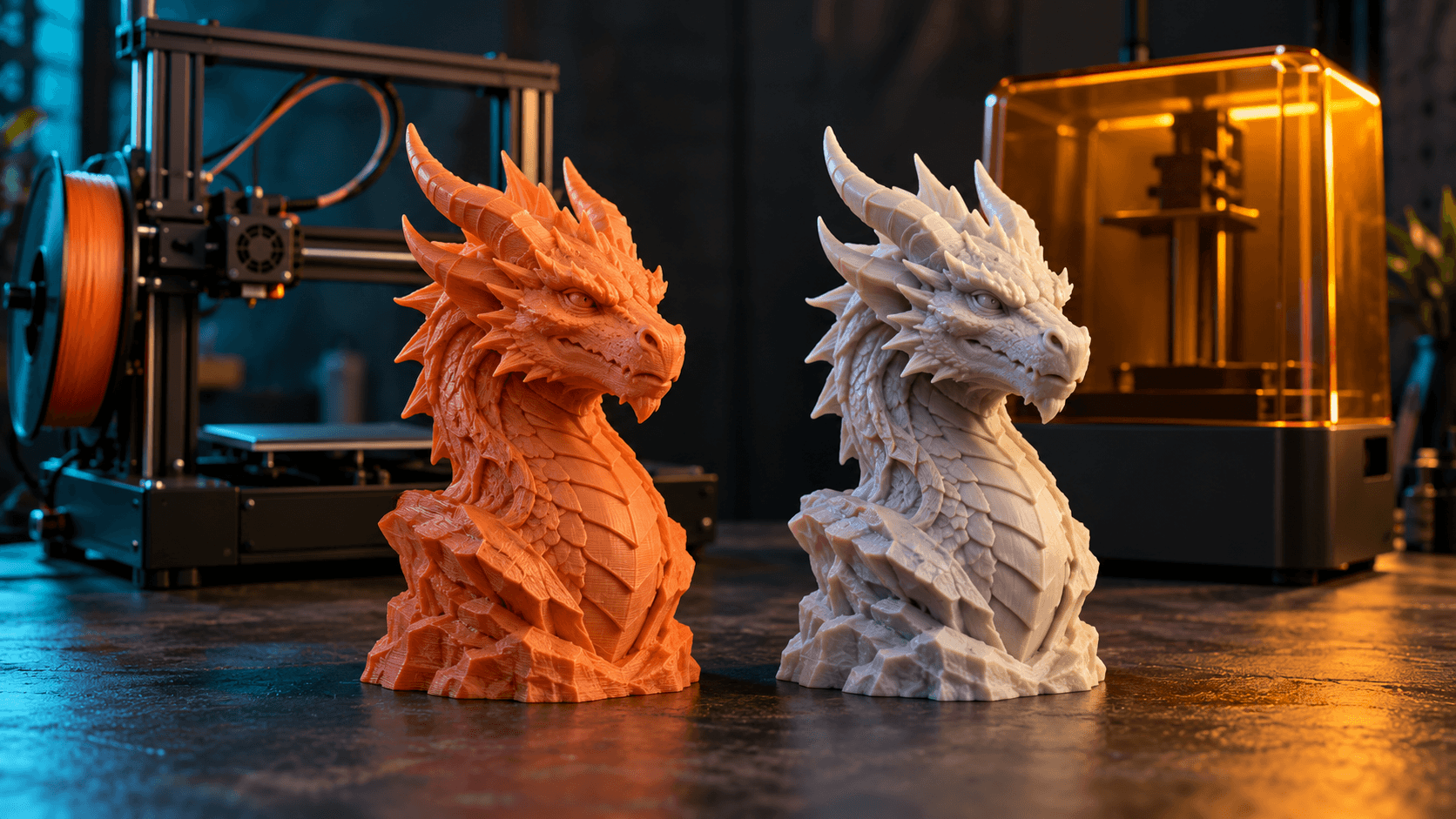
Discover the main differences between FDM and resin 3D printers, and how to choose the best option for your printing needs.
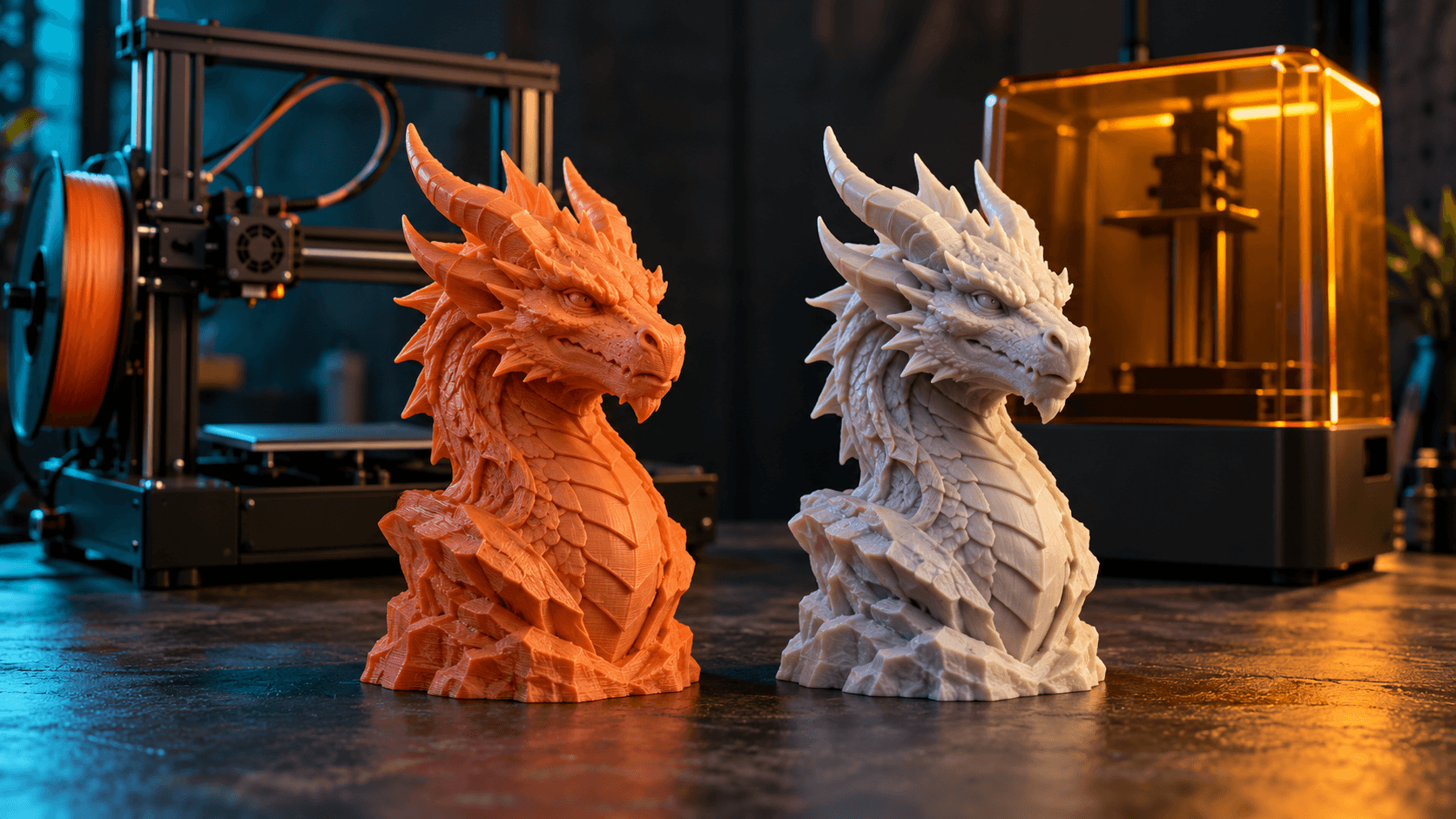
Discover the differences between FDM and resin 3D printers to decide which is the best option for your specific projects and needs.
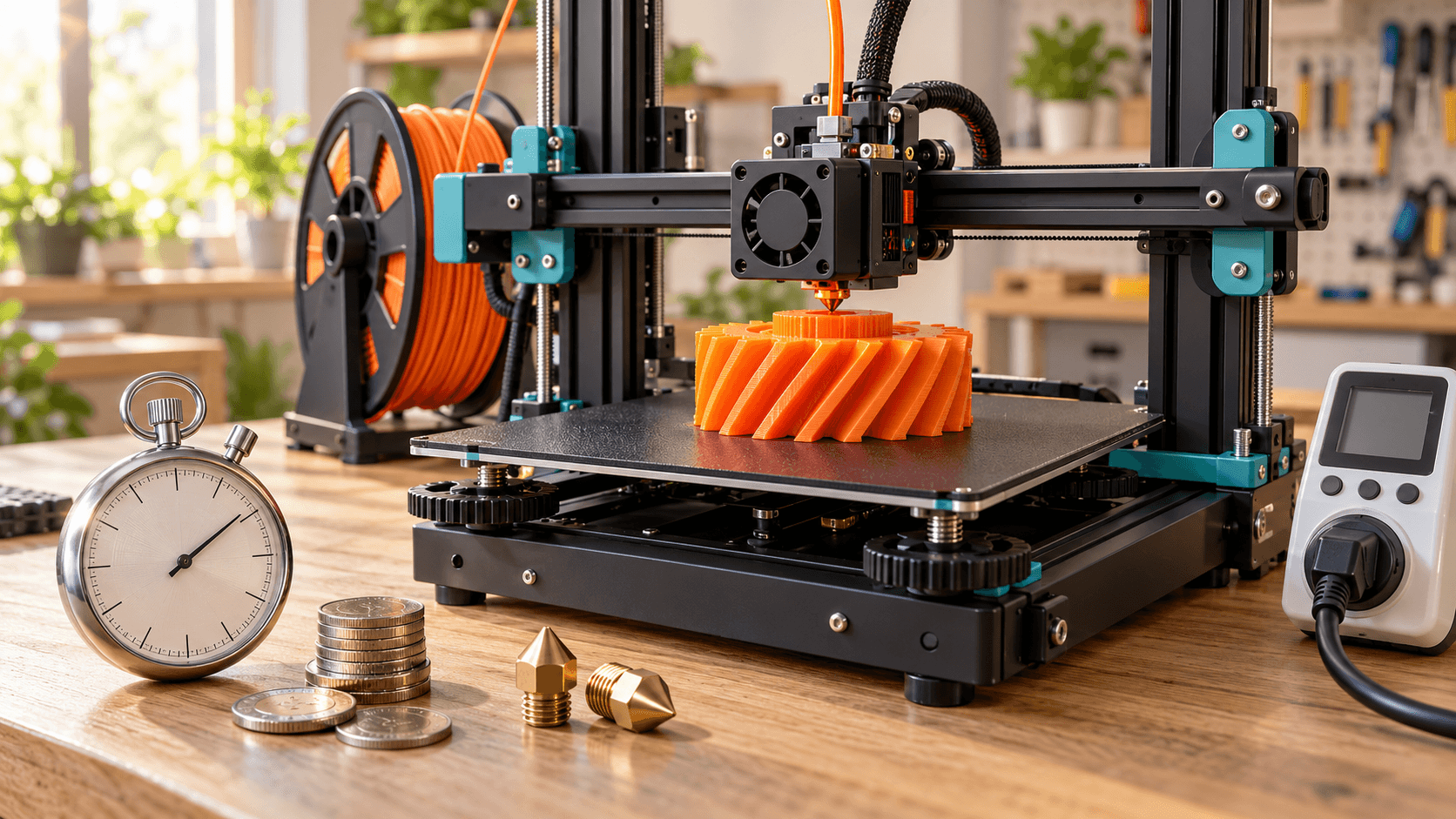
An hour on an FDM printer costs $0.12: depreciation, electricity and a failure reserve. The full calculation, and why hourly billing backfires.